Redis GUI
DbGate provides comprehensive support for Redis, allowing you to manage and edit all Redis data types directly within the application. Unlike from other universal database clients, DbGate supports Redis in a way that is tailored to its unique data structures and commands.
Browse keys and data
Explore Redis keys - view all keys in your Redis database, organized by key patterns
View key details - see detailed information about each key, including type, size, and TTL
Filter and search keys - quickly find specific keys using filtering and search capabilities
Manage keys
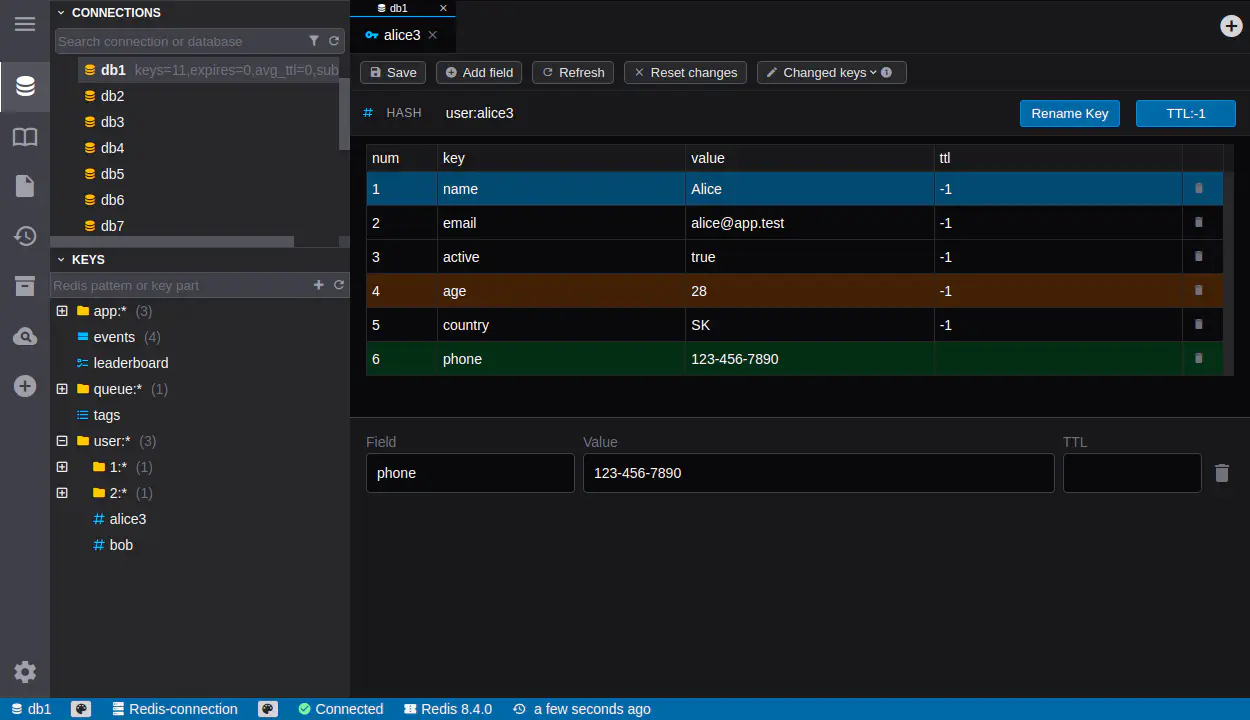
Edit Redis values - directly edit values for all Redis data types, including Strings, Hashes, Lists, Sets, Sorted Sets, JSON, and Streams
Add and delete keys - easily add new keys or delete existing ones from your Redis database
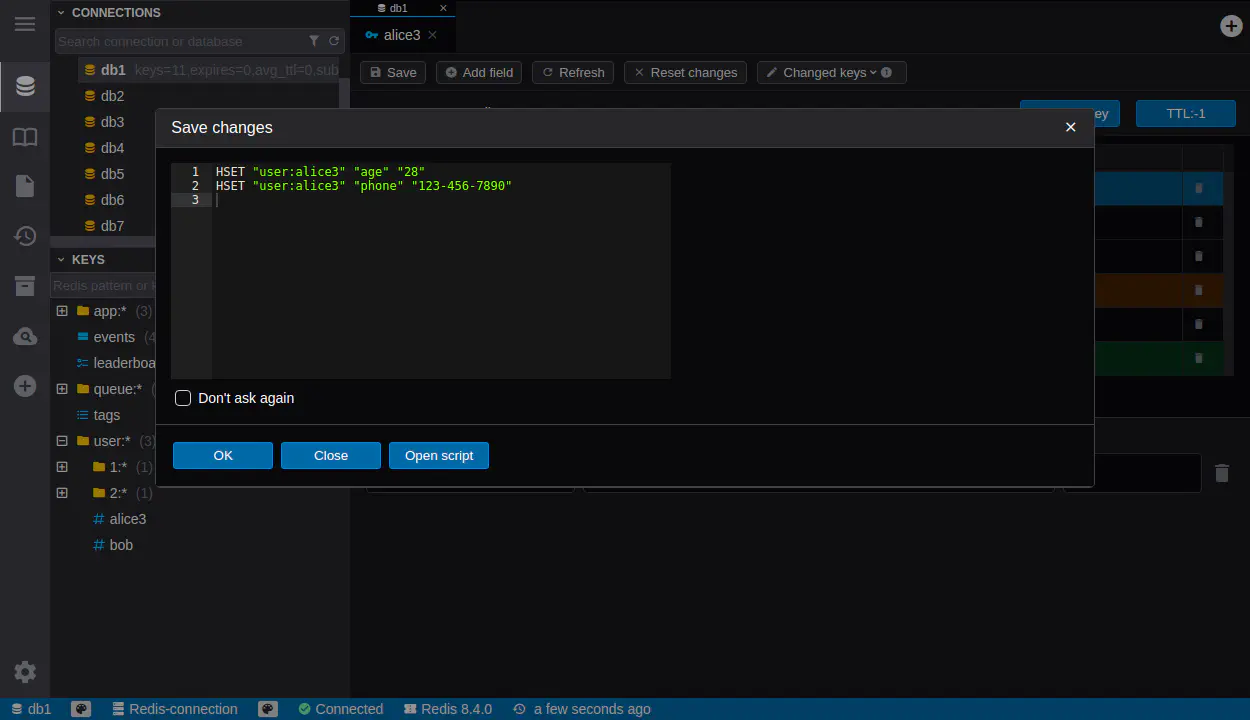
Edit multiple keys - modifications of database are performed in the same way as in other DbGate supported databases. All changed keys are saved in a single transaction after clicking “Save” button. You could also check preview of generated commands before saving.
Scripting & Redis stream
Run Redis commands - execute custom Redis commands directly from DbGate’s query console
Generate scripts - generate scripts from keys or from the full database for automation or backup purposes
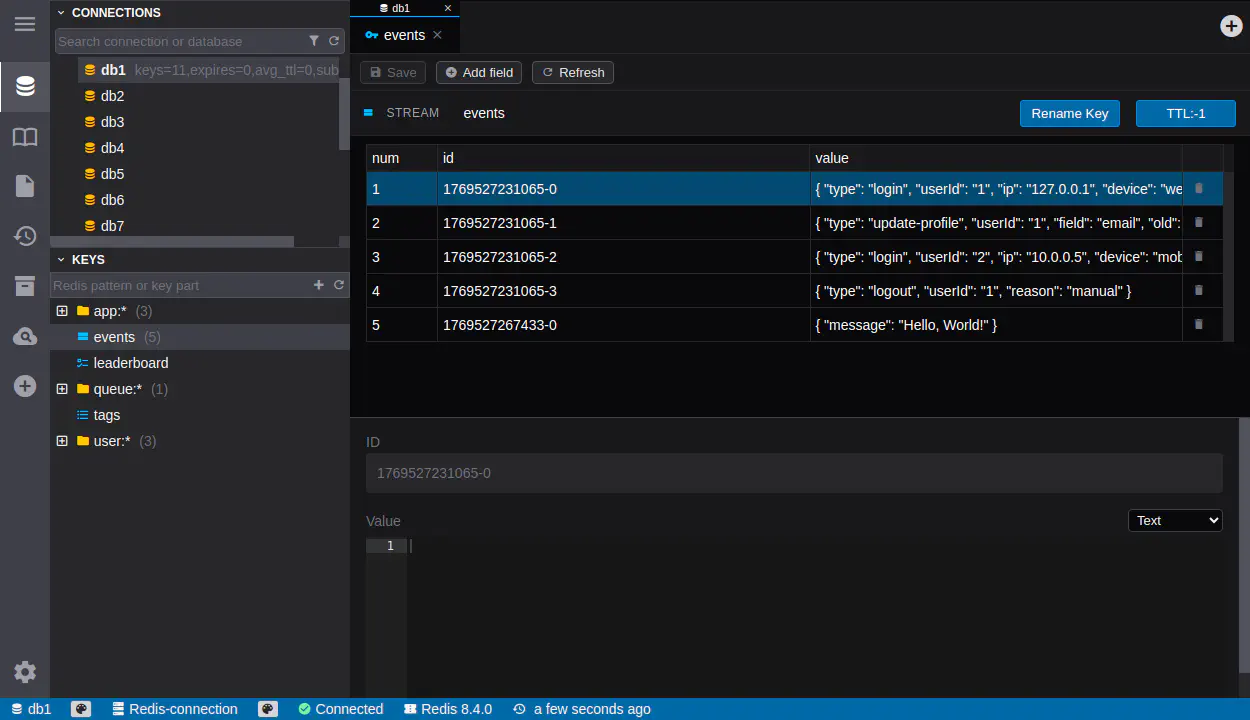
Redis Stream support - fully manage Redis Streams, including creating new and delete existing stream entries
Support for Redis Clusters
DbGate fully supports Redis cluster in Premium edition.