New theme system in DbGate
Published: 2026-01-23
For several years, DbGate maintained the same theming system. With version 7.0.0, we’ve introduced a completely new theme system based on JSON files. Unfortunately, old custom themes implemented as plugins are no longer supported.
We deeply appreciate that members of the DbGate community created themes for DbGate, and we regret that previously created themes will no longer be supported. This is why we postponed this decision for a long time. However, as time moves forward, the inability to evolve the design became increasingly unsustainable. We ultimately decided to make a radical change and completely overhaul the theme system.
In this article, I’ll explain why we made this change and how the new theme system works.
Frozen theme system in DbGate until version 6.x
DbGate had a relatively simple theme system until version 6.x. It used a small number of CSS variables to define colors. These CSS variables were not related to specific UI elements, but were more generic (like --font-color-1, --font-color-2, --background-color-1, --background-color-2, etc.). While this system made it easy to create new themes, it was quite limited. It wasn’t possible to define styles for specific UI elements independently. The system also froze the design of the application, because changing a color CSS variable affected the entire application rather than specific parts.
Element-based theming in DbGate 7.0.0
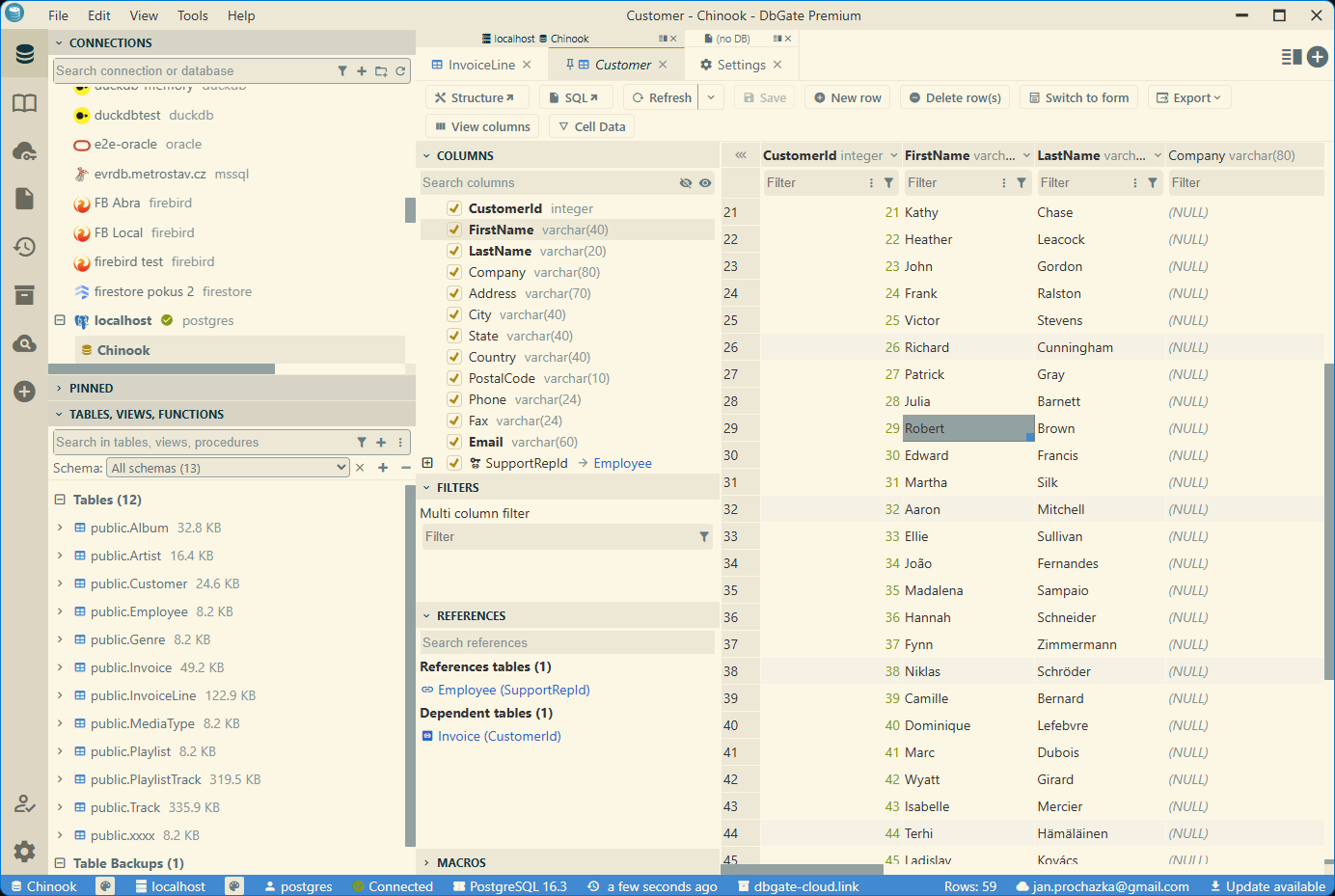
In DbGate 7.0.0, we introduced a completely new theme system based on JSON files. In the new system, each UI element has its own set of CSS variables defining colors, borders, and other styling properties. This provides much more flexibility in defining themes. The theme is now defined by many more CSS variables, each related to specific UI elements (like --data-browser-font-color, --data-browser-background-color, --button-font-color, --button-background-color, etc.).
In the era of AI-generated content, we wanted to make it easy to create custom themes using AI, which required more detailed control over the application’s appearance. Additionally, with AI capable of handling this work, the cost of maintaining more CSS variables has become negligible, while the benefits in terms of design flexibility are significant.
Documentation of custom themes
Generate themes by AI
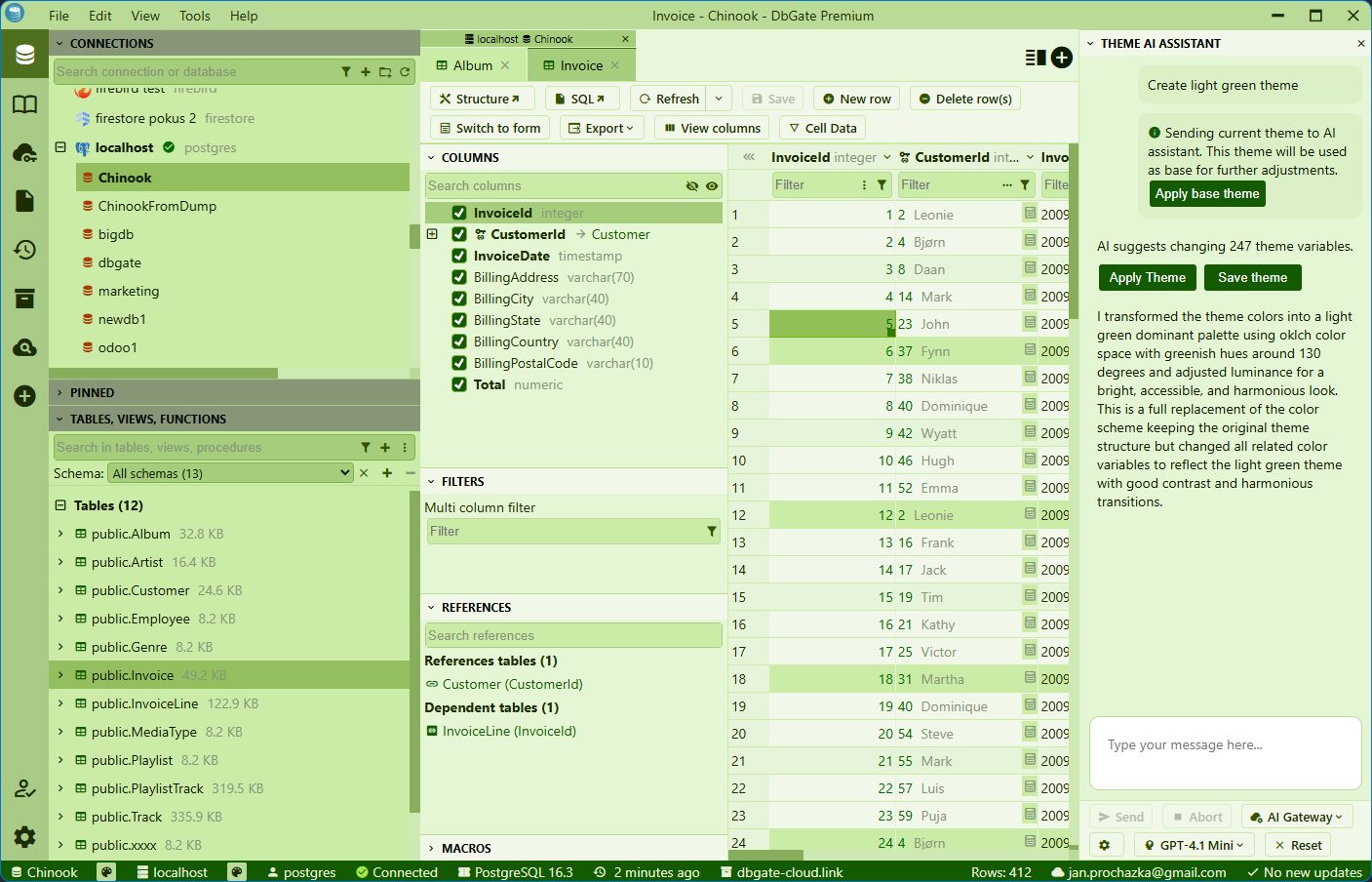
The DbGate Premium edition includes a new Theme AI assistant feature. This feature allows users to create custom themes using AI. Simply describe your desired theme in natural language, and the AI assistant will generate a theme based on your description. You can also modify the generated theme , just by describing the changes you want to make.
Share themes via DbGate Cloud
We have enhanced DbGate Public knowledge base to support sharing custom themes. Just creaate your theme (define CSS variables in JSON file). You could take inspiration from Solarized light theme source code. We encourage to use AI assistant to create first version of your theme. For publishing, just create pull request to DbGate Public knowledge base repository. After merging, your theme will be available for all DbGate users in theme selector (also with preview based on colors in your theme).