Introducing DbGate Central - explore your APIs like a database
Published: 2026-06-02 | Jan Procházka
Today we are introducing DbGate Central - a new hosted edition of DbGate that turns your API endpoints into something you can browse, filter and export just like a regular database. No installation, no setup - open it in your browser and connect.
Why DbGate Central?
Modern applications expose their data through APIs rather than direct database connections. GraphQL, Shopify and oData endpoints are everywhere, but inspecting the data behind them usually means writing custom queries, juggling Postman collections, or building throwaway scripts.
DbGate Central brings a familiar, DbGate-style experience to these API endpoints. Its grid view, filtering, sorting and export tools feel just like DbGate - now pointed at your APIs.
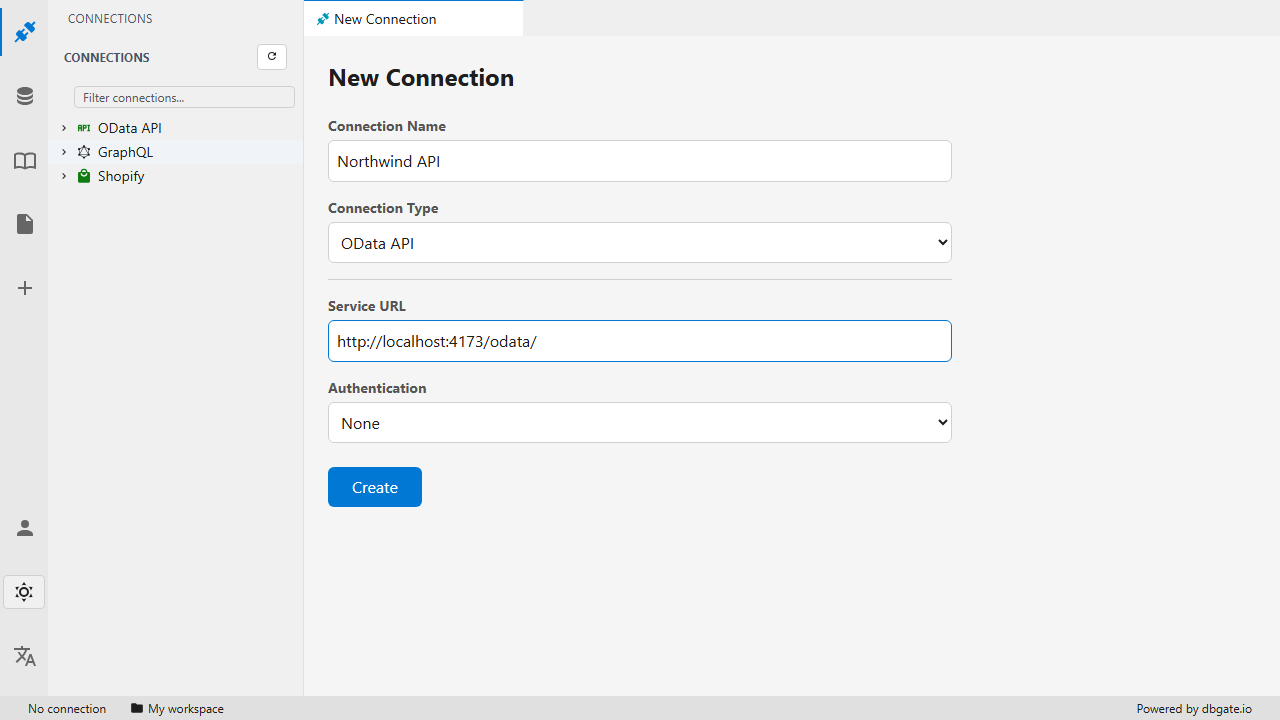
Connect to an API endpoint and start exploring
Supported API endpoints
DbGate Central currently supports three families of endpoints:
- GraphQL - introspect the schema, browse types and run queries against any GraphQL API.
- Shopify - connect to your store and explore products, orders, customers and more.
- oData - work with oData services as if they were ordinary tables.
More endpoint types are planned. Authentication is supported via Basic, Bearer token and API key.
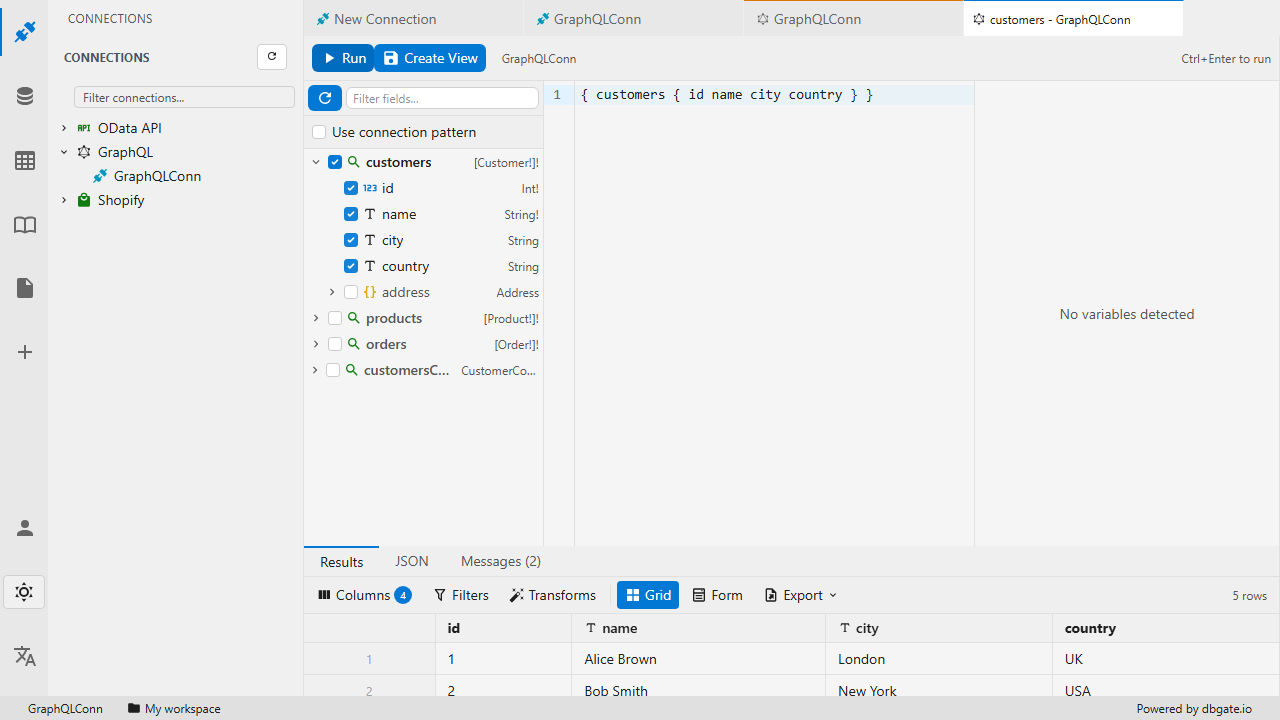
Query a GraphQL API
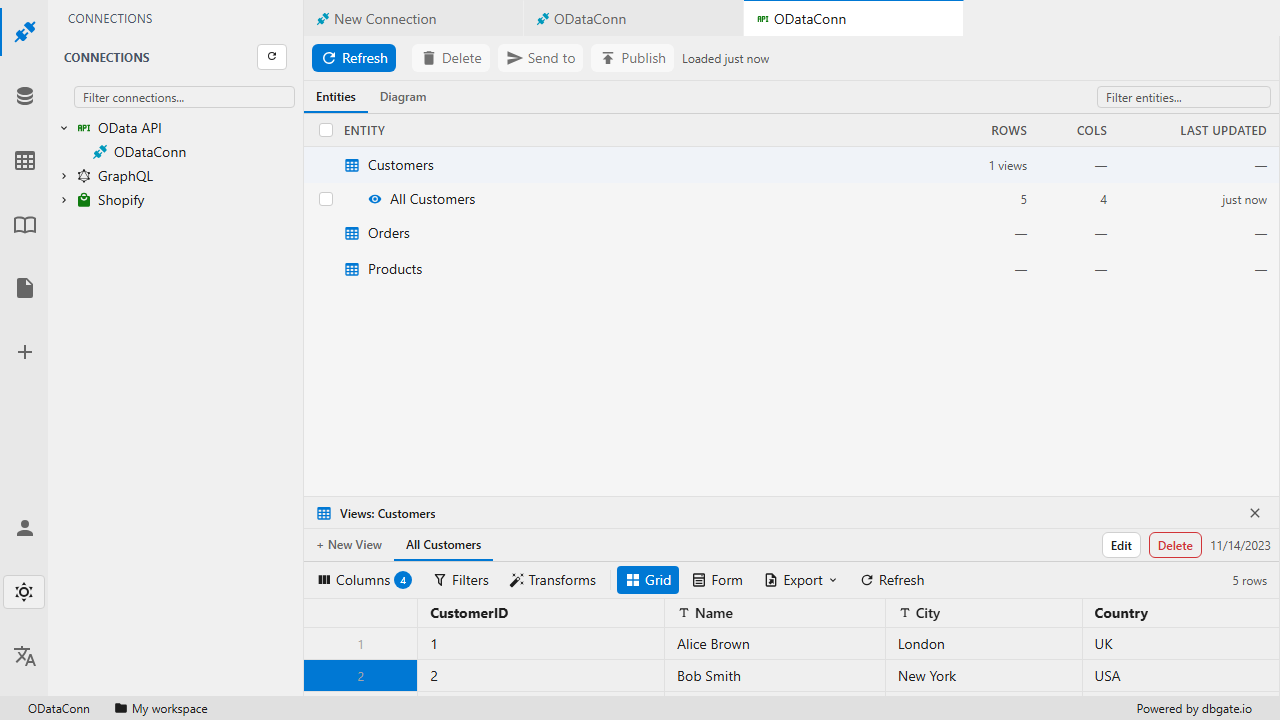
Browse endpoint data in the familiar grid view
Explore and export your data
Once connected, your API data behaves like database tables:
- View and edit data in a fast, spreadsheet-like grid
- Filter and sort results without writing code
- Export data from API endpoints to CSV, JSON, Excel and more
- Work with files - CSV, XML, JSON, JSONL, ZIP and Excel
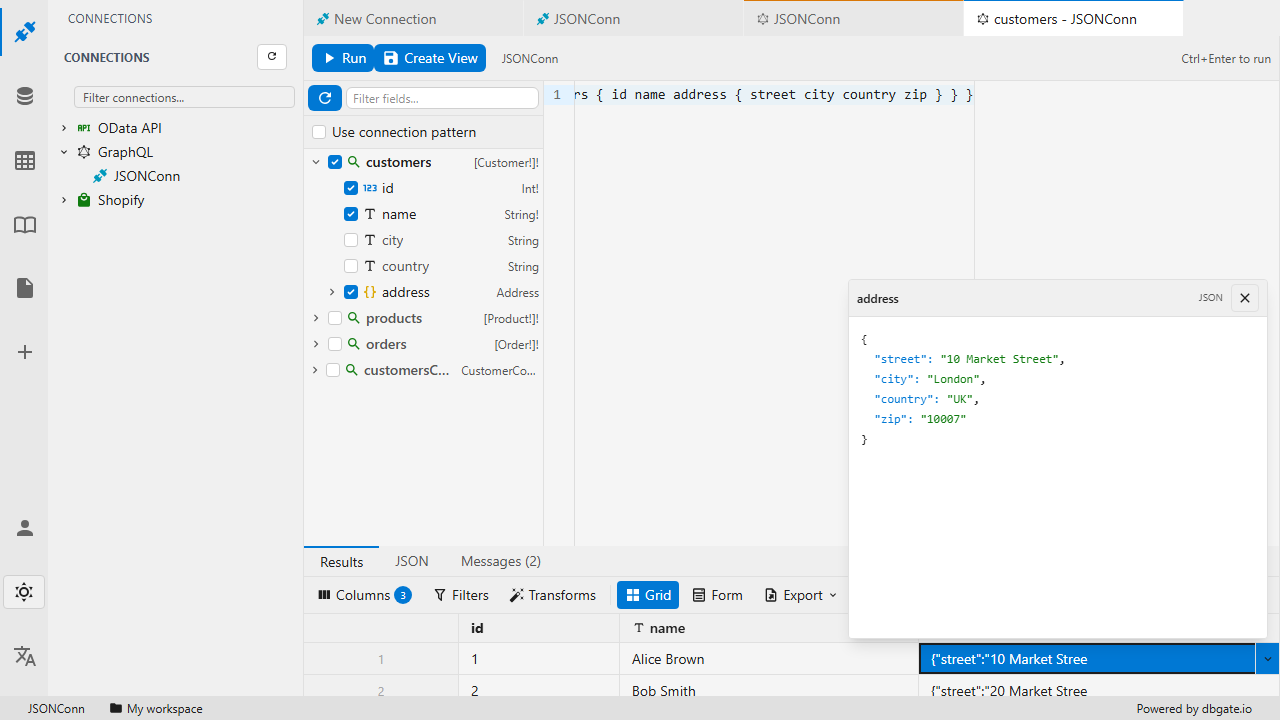
Inspect and edit structured JSON responses
Build reports from your API data
Because DbGate Central loads your API responses into its own built-in data engine, you can combine, aggregate and visualize them - turning raw API responses into readable reports.
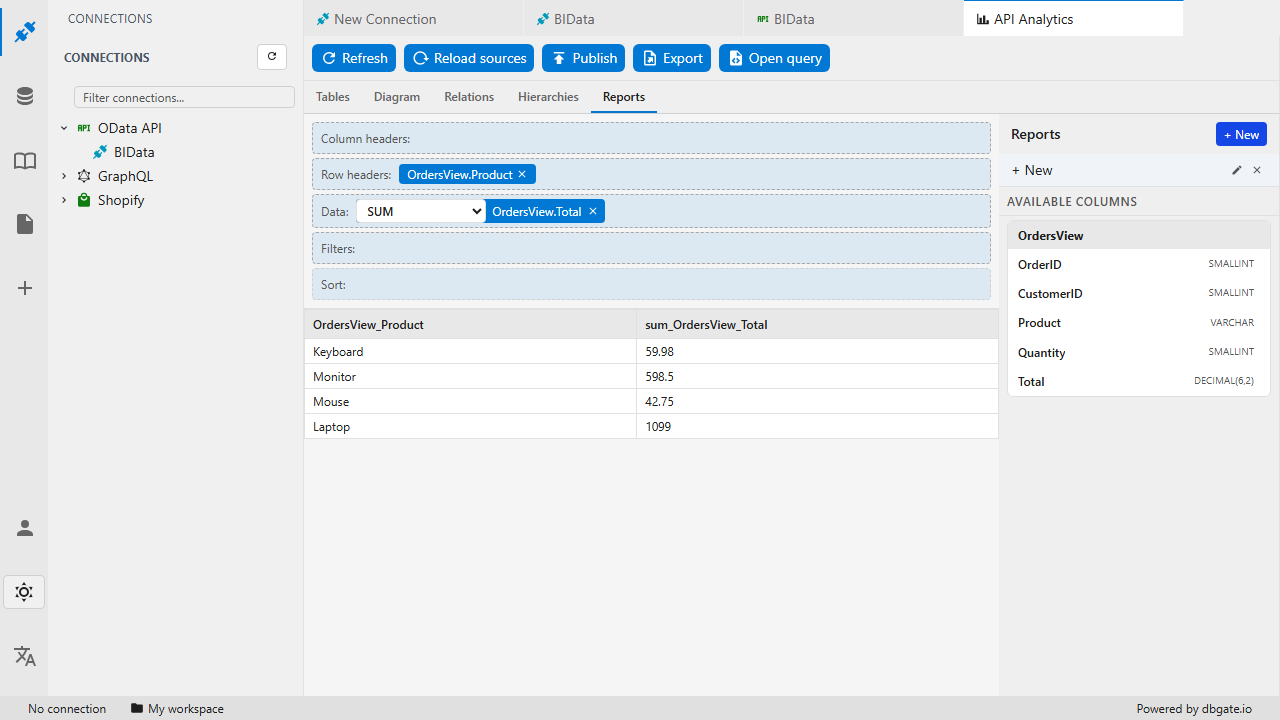
Turn API data into a report
Same technology as DbGate Lite
DbGate Central is built on the same technology as DbGate Lite - our free tool for managing databases entirely in your browser. DbGate Lite is free and lets you work with in-browser databases - SQLite, DuckDB and IndexedDB - without any installation.
The grid view, filtering and other data tools will feel familiar to anyone who has used DbGate, but they have been reimplemented from the ground up. This new implementation brings features not yet available in the classic DbGate editions - such as column histograms and enhanced column filtering - currently exclusive to DbGate Lite and DbGate Central.
Pricing
DbGate Central is a hosted, subscription-based edition:
- USD 15 / month / user
- 15 day free trial
A credit card is required to start the free trial - billing is handled securely by Stripe.
See how it compares with the rest of the DbGate family on the pricing and compare pages.
Getting started
- Open central.dbgate.cloud
- Add a connection to your GraphQL, Shopify or oData endpoint
- Start browsing your data
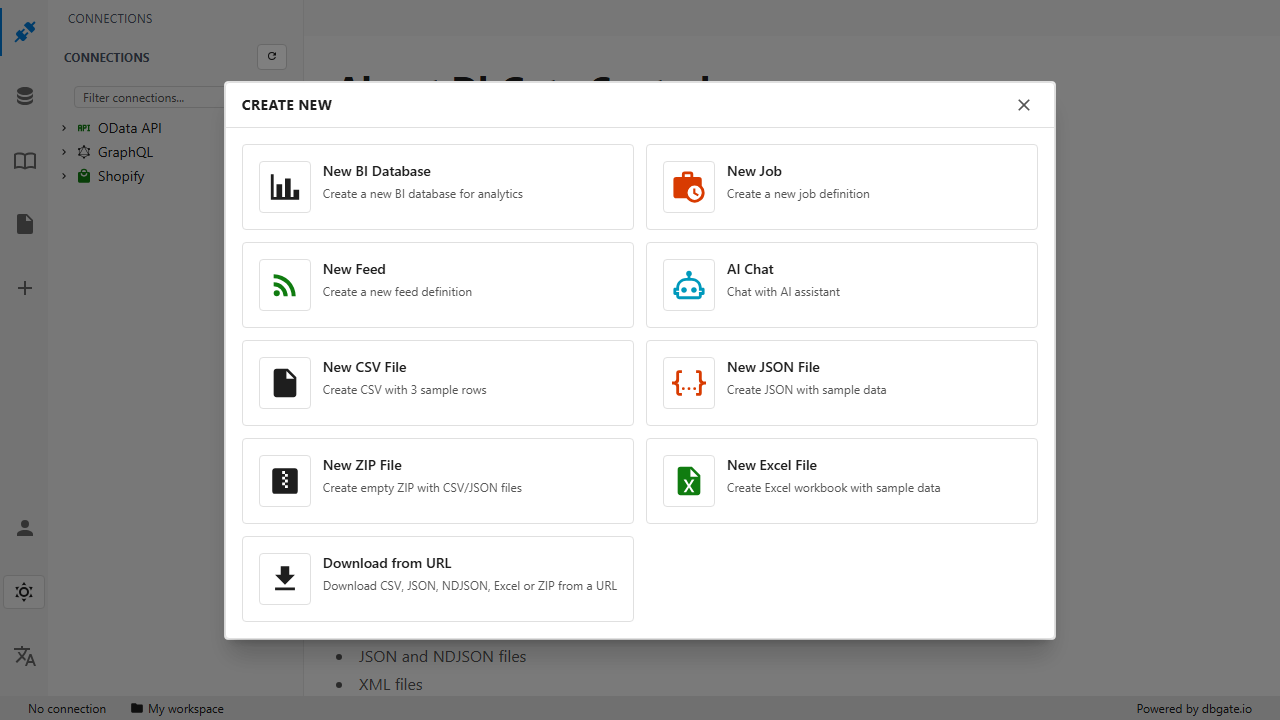
Create a new connection
DbGate Central is just getting started, and we would love your feedback. Try it out and tell us which endpoints and features you would like to see next.